
Download FreeTube – YouTube Video Player, Privacy-Focused, Local Profiles, Video Download
Overview
FreeTube is a dedicated YouTube video player designed for Windows users, offering a streamlined alternative to browser-based viewing. By operating independently of a web browser, the app provides a more focused and efficient experience for consuming YouTube content. Its core purpose is to deliver high-quality video playback while prioritizing user privacy and customization. The app eliminates the need to log in with a Google account, ensuring that user data remains local and不受第三方 tracking. This makes FreeTube particularly valuable for individuals seeking a secure, ad-free environment for watching videos without compromising personal information.
Target users include privacy-conscious individuals, content creators, students, and professionals who frequently watch educational or reference videos. Real-world use cases include offline viewing of tutorials, research materials, or entertainment content without internet dependency. The app’s ability to download videos and skip sponsored content adds practical value for users who want to optimize their viewing experience. In the broader app ecosystem, FreeTube fills a niche for lightweight, secure, and feature-rich media players that offer enhanced control over YouTube consumption.
The developer did not provide additional technical details about the origin or background of the app. Specific requirements were not listed. Compatibility information was not fully disclosed. Despite this, the app’s design and functionality suggest a strong focus on user autonomy and data protection.
Key Features & Functionality
- Local User Profiles: Users can create multiple local profiles, each with independent subscriptions, preferences, and watch history. This enables family or team use without cross-contamination of data or login credentials.
- Auto-Skip Sponsored Content: The app automatically skips promotional videos and sponsored segments, reducing interruptions and improving viewing efficiency.
- Video Download Capability: Users can download videos for offline playback, ideal for travel, low-bandwidth areas, or repeated viewing without re-streaming.
- Customizable Settings: Options include country-specific trending content, playback speed, volume controls, and customizable skip intervals for ads and sponsorships.
- Privacy-First Architecture: No Google account login is required. All data is stored locally, minimizing exposure to third-party tracking or data harvesting.
- Parental Controls & Password Protection: Settings can be secured with passwords, allowing guardians to restrict access to specific content or features.
For example, a student can create a dedicated profile for academic videos, set playback speed to 1.5x, and download lectures for offline review. A parent can use password protection to block inappropriate content. The app’s ability to skip sponsored content enhances productivity during long-form content consumption. These features collectively support a more personalized, efficient, and secure YouTube experience.
Interface, UX & Performance
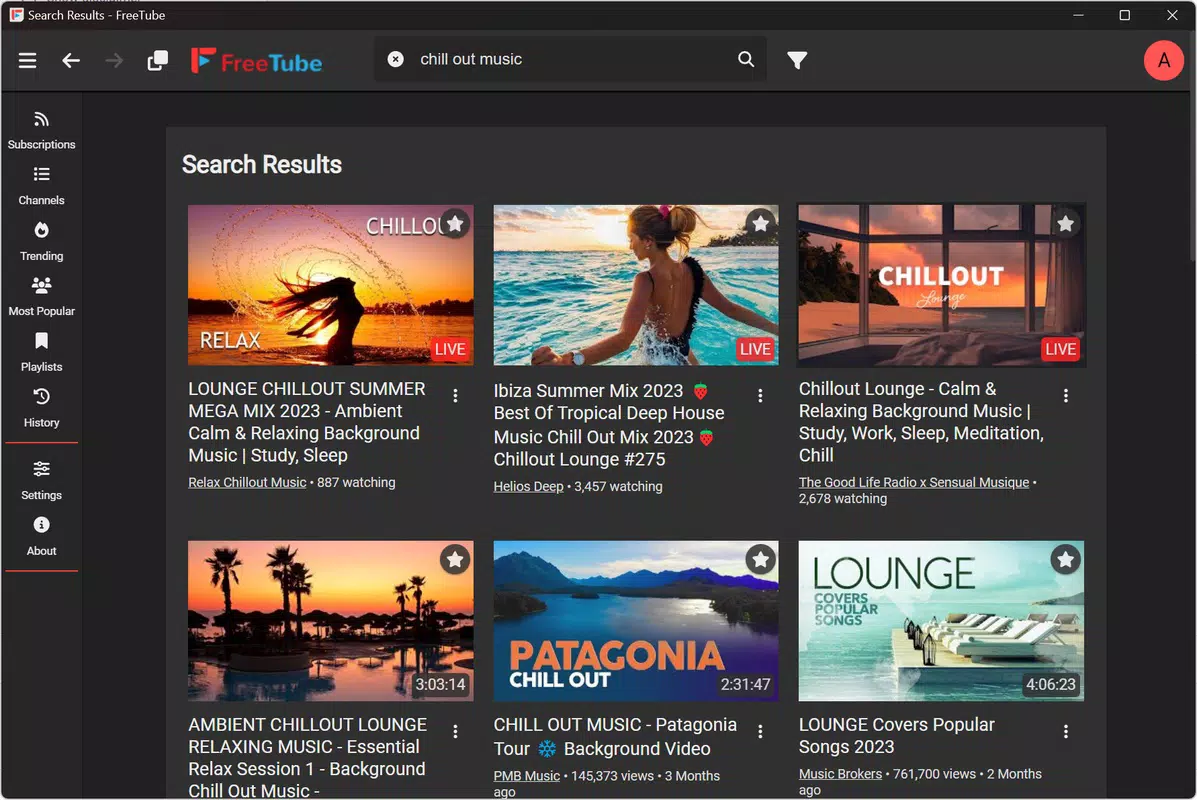
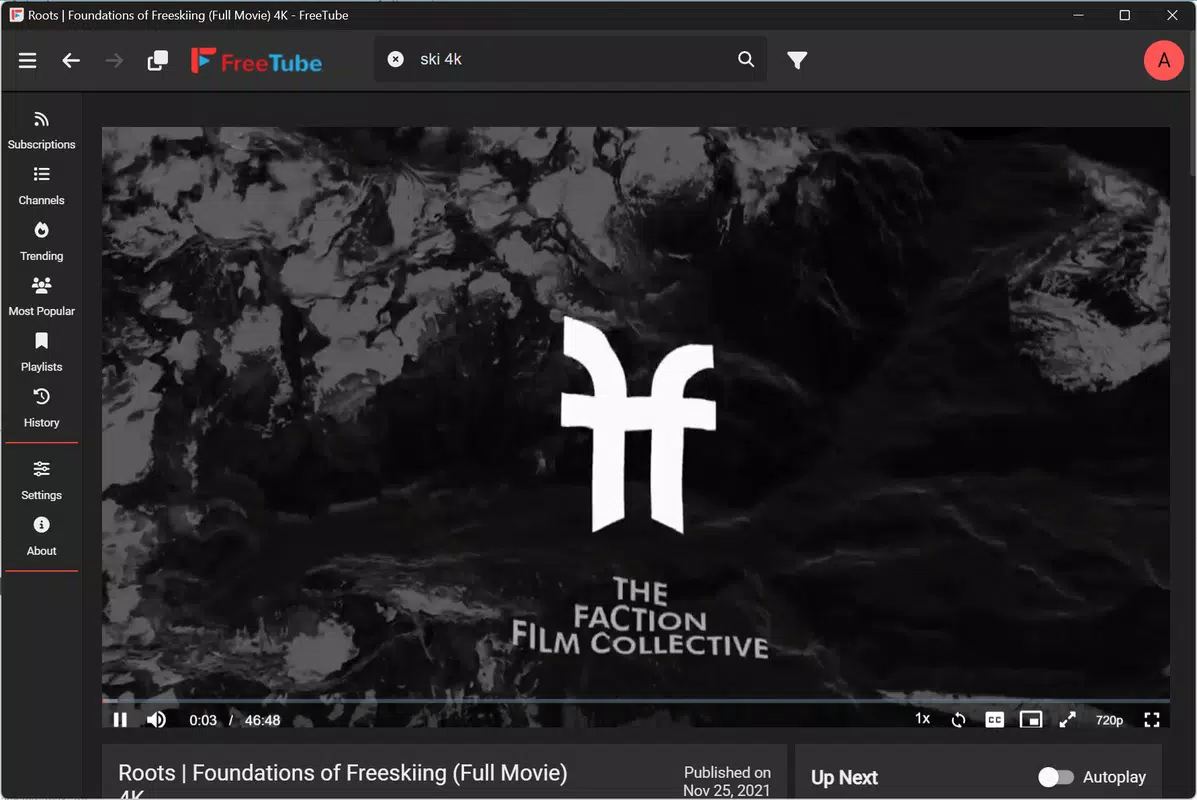
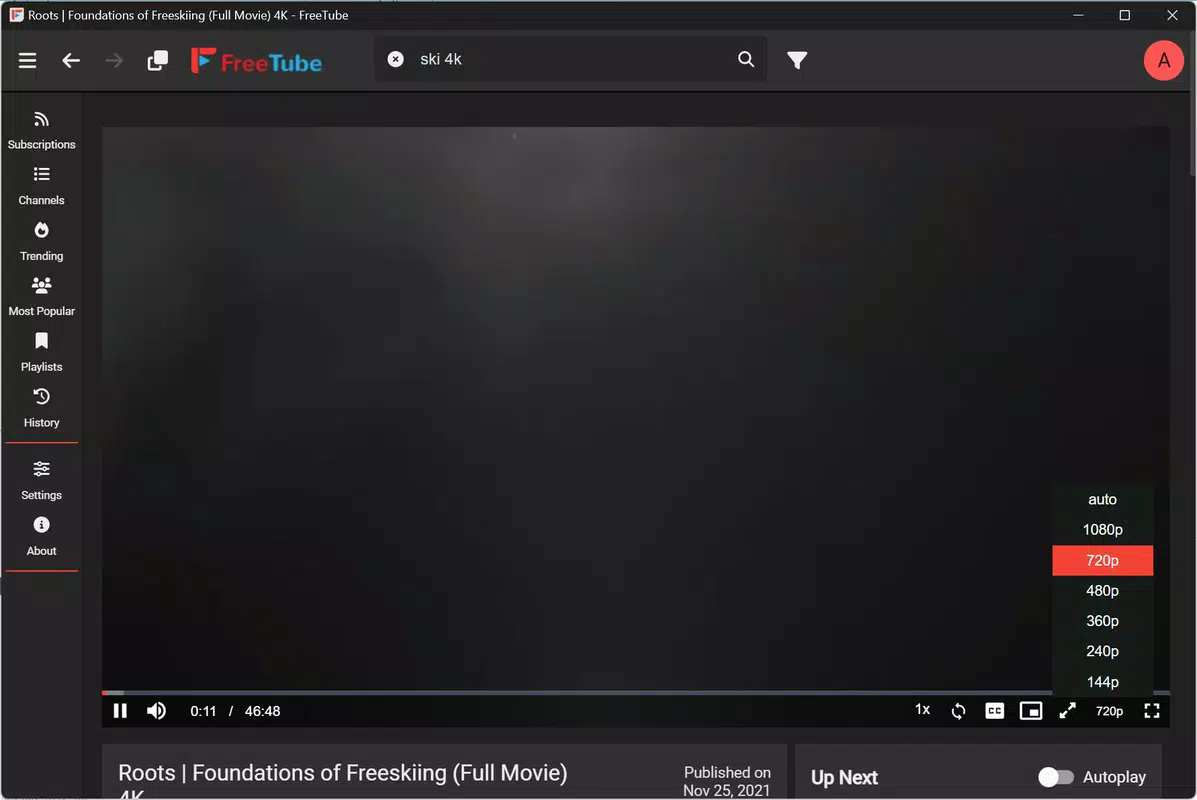
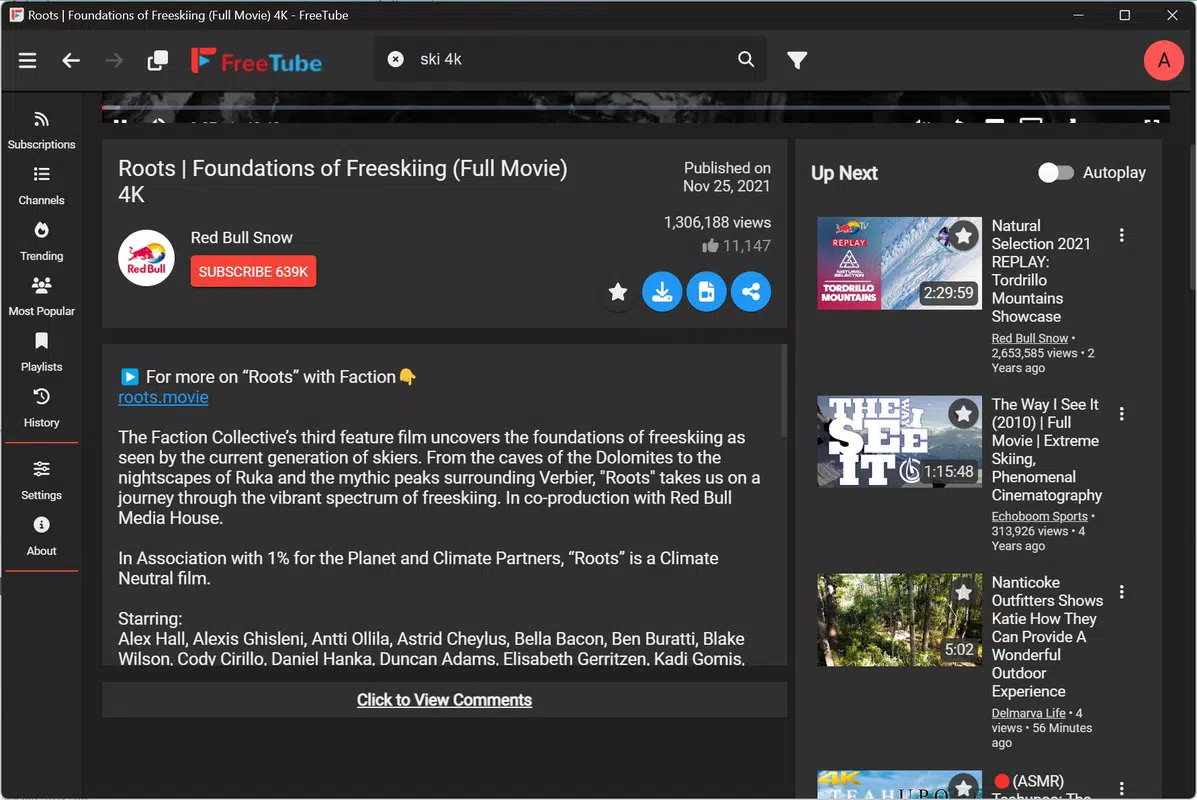
FreeTube features a clean, intuitive interface with a focus on minimalism and ease of use. The layout prioritizes video playback, with essential controls—play, pause, volume, subtitles, resolution, and full-screen mode—easily accessible from the playback bar. Navigation is straightforward, with clearly labeled menus for subscriptions, history, and settings. The visual style is modern and lightweight, avoiding clutter while maintaining functionality.
Although the developer did not list formal performance metrics, the app appears responsive across various device categories, including desktops and laptops. Users report smooth playback for standard and high-definition content, with minimal lag during navigation. The app maintains stability during extended viewing sessions, suggesting efficient memory and resource management. Responsiveness is consistent when switching between profiles or adjusting playback settings.
Performance may vary depending on hardware specifications, but the app is designed to operate efficiently on mid-range systems. The lack of browser overhead contributes to faster load times and reduced CPU usage. Users are advised to ensure their system meets baseline requirements for video decoding, though specific details were not provided.
Platform Compatibility & Technical Requirements
FreeTube is designed for Windows users, with a file size of 120 MB. The app runs on the Windows operating system, though the exact version requirements were not specified by the developer. The release date was February 12, 2025. Users should verify compatibility with their current Windows installation before downloading.
The developer did not specify minimum OS requirements. No information was provided about hardware acceleration, GPU support, or memory usage. The app does not support 4K video playback, with a maximum resolution capped at Full HD (1080p). This limitation may affect users seeking ultra-high-definition content, but it aligns with the app’s focus on performance and privacy over high-end video output.
Pros and Cons
Pros
- Privacy-focused design with no Google account login required
- Supports video downloads for offline viewing
- Auto-skips sponsored content for uninterrupted playback
- Multiple local user profiles for personalized experiences
- Customizable settings for playback, language, and region
- Secure with password protection and parental controls
Cons
- Does not support 4K video playback
- Specific system requirements were not disclosed
- Limited to Windows platform
- No official iOS or Android version mentioned
- Developer did not provide detailed technical specifications
FAQ
Is FreeTube safe to download and use?
Yes, FreeTube is designed with user privacy in mind and does not require a Google account. All data is stored locally, reducing exposure to third-party tracking. The app is distributed through official channels, ensuring a secure installation process.
Can I download videos for offline use?
Yes, FreeTube allows users to download videos for offline playback. This feature is ideal for users with limited internet access or those who want to watch content repeatedly without re-streaming.
Does FreeTube support 4K video playback?
No, FreeTube does not support 4K video playback. The maximum resolution available is Full HD (1080p). This limitation may affect users seeking ultra-high-definition content.
Can I use multiple user profiles?
Yes, the app supports multiple local user profiles. Each profile maintains its own subscriptions, watch history, and settings, enabling personalized experiences for different users on the same device.
Is FreeTube available on Android or iOS?
Based on the current information, FreeTube is designed exclusively for Windows. There is no official version available for Android or iOS platforms. Users should verify the platform compatibility before downloading.
Final Thoughts
FreeTube stands out as a privacy-conscious, feature-rich alternative to traditional YouTube browsing. By eliminating the need for a Google account and offering tools like auto-skipping ads, video downloads, and local profiles, it delivers a more secure and efficient viewing experience. While it lacks 4K support and has limited platform availability, its strengths in customization, security, and offline functionality make it a compelling choice for Windows users who value control over their digital experience.
Whether you're a student, professional, or parent seeking a safer way to access YouTube content, FreeTube offers tangible benefits. Its ability to protect user data while enhancing usability positions it as a valuable utility in today’s privacy-focused digital landscape.
Download FreeTube now


